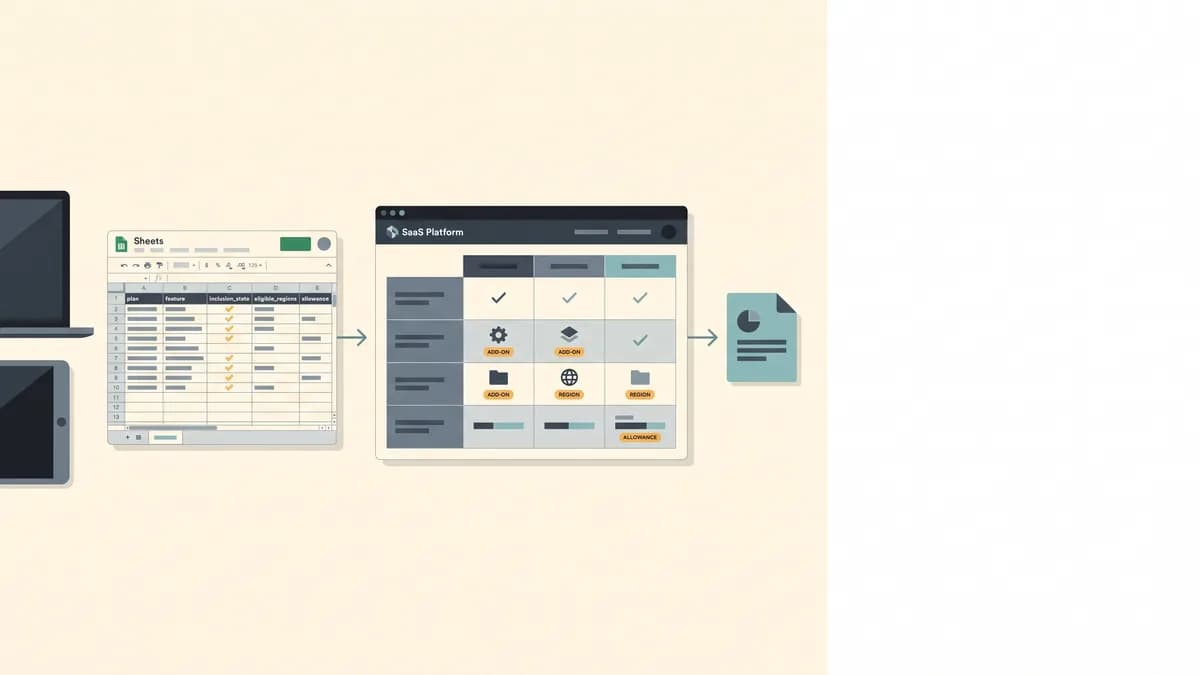
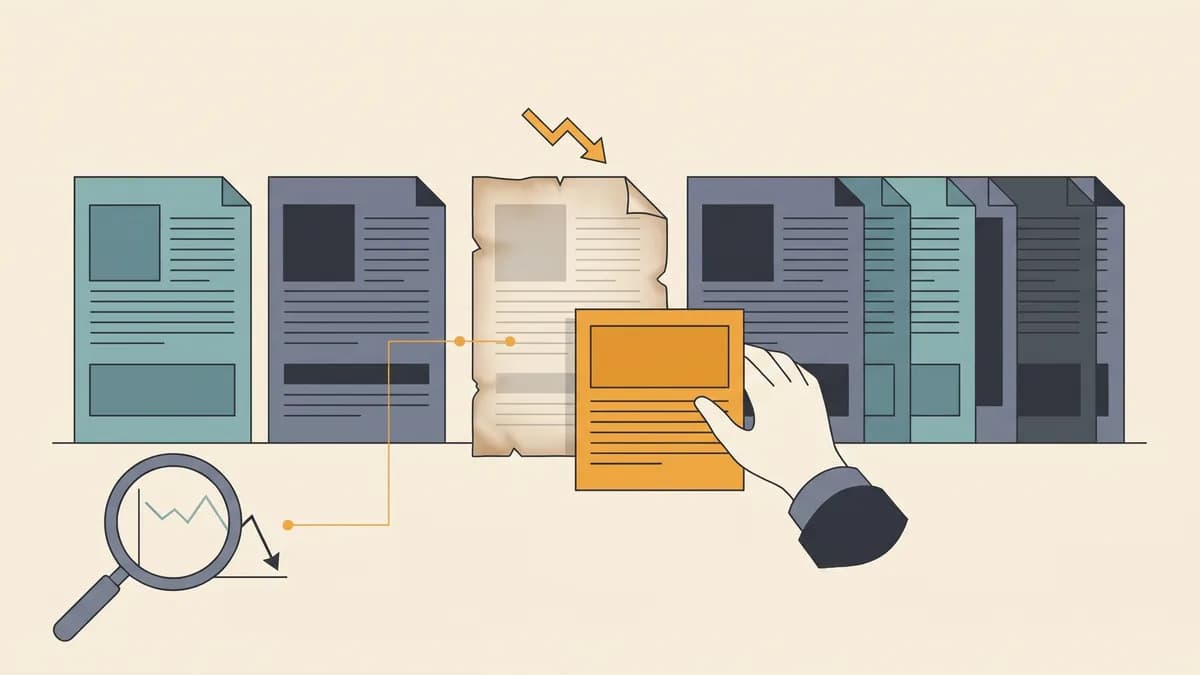
Git Publishing Preflight for Approved AI Articles
Use a publisher-owned Git preflight to bind approval to the right MDX revision, check diffs and builds, and assign release and rollback ownership.
 Roy Levy··11 min read·AI PublishingContent OperationsStructured PublishingContent SystemsNichePressa

The article your editor approved may not be the file your deployment publishes. Approval is a decision about one specific artifact, not a permanent permission attached to an article title. A Git publishing checklist has to prove three separate things before anything ships. The repository holds the exact revision the editor signed off. That revision works in your site. A named person owns the release and the rollback.
When any of those is missing, the checklist's expected result is a hold, and nobody has to win an argument to get there.
Approval is where a Git publishing checklist starts
NichePressa covers the editorial side of the handoff. The Human-in-the-Loop Review Gate is an approval step that runs before a generated article is published, whether it is pushed to GitHub or exported. It treats AI output as a draft that must be reviewed, edited, and approved first. The generated article is saved as a draft and shown in a review screen. There the editor reads the Markdown/MDX, checks the structure, fixes weak sections, approves it, and publishes it from the article button, either as a push to a connected GitHub repo or as an export. Scheduled Autopilot works differently: it publishes the plan's monthly articles, spread across the billing month between 09:00 and 12:00 in the site's timezone, without a separate approval for each article. Leave Autopilot off when every article needs a human read. The broader case for this step is covered in why human review remains the editorial gate.
MDX / Markdown / HTML / JSON Export handles the developer side. After approval, NichePressa converts the draft into the selected format. Article structure, metadata, frontmatter, links, and mapped components are preserved wherever the target format supports them. Your static site, custom blog, CMS, or GitHub repo gets clean structured content without platform lock-in. One limit matters: some advanced MDX components may not translate perfectly into plain Markdown or HTML. If your destination is not MDX, start by choosing the right approved-article export format.
That is the supported boundary. Everything after the export belongs to the publisher: the commit, the blob identity, the branch rules, the build, the deployment, and the revert. NichePressa hands you an approved article. Your repository decides whether that exact file is releasable. The MDX publishing preflight below handles that second decision.
- Bind approval to the article path, approved commit, and article blob identifier
- Inspect the complete candidate diff, including staged and newly added files
- Validate frontmatter against the site's actual schema
- Check internal links, anchors, assets, and registered component props
- Build and preview the final candidate revision, and record which revision you tested
- Assign a named release owner and a named rollback owner before merging
Bind editorial sign-off to the final repository artifact
An export is not yet a repository candidate. The developer drops the MDX file into a publishing branch, and then destination-specific work usually happens: renaming the file to match route conventions, adjusting frontmatter keys to the site schema, rewriting relative links, swapping an image path. Each of those edits can change what readers see.
So final sign-off happens after those transformations, against the committed file. Compare the imported MDX with the approved export, finish the destination work, commit it, and have the editor approve that commit's version of the article. In approved AI content publishing, the approval record points at that committed file, not at the draft in the review screen.
The handoff record holds seven fields:
- Article path: for example,
content/blog/preflight-example.mdx - Editorial approver: the person who read the final committed file
- Approved commit: the commit the approver reviewed
- Article blob identifier: Git's hash of the file's exact contents at that commit
- Candidate revision: the commit you actually intend to merge and deploy
- Validation evidence: diff review, schema check, link check, build log, preview URL, each tied to a revision
- Release owner and rollback owner: two named people, who may be the same person if you say so explicitly
Git gives you the blob identifier directly. git rev-parse <commit>:<path> prints the hash of the file as stored in that commit. For an uncommitted working-tree copy, git hash-object <path> computes the same kind of hash. The same bytes always produce the same blob ID, and any byte of change produces a different one.
Identity evidence proves sameness, not correctness. A matching blob tells you the file is byte-for-byte what the editor approved. It says nothing about whether the link resolves, the component renders, or the claim in paragraph four is true. That is why identity, editorial review, and repository validation stay as separate rows in the record.
Inspect everything that will ship
A diff that hides files is not a review. git diff with no arguments shows only unstaged changes to tracked files. git diff --cached shows staged changes. Brand-new untracked files appear in neither, so a new image or component file can ride along unseen.
A Git content review workflow should account for all three states before anything is committed:
git status --porcelain                       # tracked, staged, and untracked at a glance
git ls-files --others --exclude-standard     # untracked files that would be easy to miss
git diff --cached                            # what is staged right now
After committing, review the full candidate against the intended base branch:
git diff --stat main...HEAD                  # every file the branch changes
git diff main...HEAD                         # the complete diff, article and supporting files
The three-dot form compares against the merge base, so you see what this branch introduces rather than unrelated changes on main. Every file in that list needs an explanation. An article branch that also touches package.json, a shared layout, or the lockfile is a different kind of release, and it needs a developer reviewer for those files.
Then validate frontmatter against the schema your site actually enforces, not the one you remember. In this example, the site's content schema requires title (string), description (string), date (ISO date), slug (string, unique across the collection), and draft (boolean). The check fails on a missing key, a wrong type, a slug already used by another file, or draft: true on a file headed for release.
One routing rule keeps the handoff honest. If any change touches reader-facing content or metadata, it goes back to the editor. That includes body text, title, description, link targets, and image alt text. A developer can fix a type error in date. A developer cannot quietly reword the description and call it integration.
Validate the destination against the final candidate
Schema checks catch malformed files. Destination checks catch files that are well-formed but wrong for this site.
Links, anchors, and assets
Resolve every internal link against your real routes. A link to /blog/some-guide#setup needs both the route and the heading anchor to exist, and anchors are generated from headings by your site's slug rules, so a renamed heading on the target page breaks it silently. Confirm every referenced image or download exists at the path the built site serves. Use whatever your stack provides: a link checker run against the build output, a route manifest, or a crawl of the preview deployment.
Registered components and props
Every MDX component in the article must be registered in your site, and every prop must match its declared type. A component the site does not register fails the build. A missing required prop may fail it, or may render an empty box. Before running this check, validate the MDX component contract so you know which components and props your site accepts.
Build and preview the exact revision
Run the repository's declared build script against the candidate commit, with dependencies installed from the lockfile. In this example the repo uses pnpm, so the commands are:
pnpm install --frozen-lockfile
pnpm build
Then open the rendered preview and read the page as a reader would. Record the commit hash the build and preview came from. A green build log for an older commit is evidence about a different artifact.
A successful build proves the site compiles, not that anyone approved the words. The build will happily compile a paragraph nobody reviewed, a link pointing at a competitor, or a description rewritten during a merge conflict.
Rerun the affected checks whenever the candidate or a relevant dependency changes. An article edit means rerunning identity, link, and build checks. A component or layout change means rerunning the build and preview even though the article blob has not moved.
Worked example: an approved MDX file changes before release
This walkthrough uses an illustrative repository: content/blog/preflight-example.mdx, the example schema above, a pnpm-lock.yaml lockfile, and pnpm build as the declared build script. The commit and blob hashes below are example values.
Step 1: Commit the final reviewed file and record identity
The developer imports the export, adjusts the slug and image path to the site's conventions, and commits:
git switch -c publish/preflight-example
git add content/blog/preflight-example.mdx public/images/preflight-example.png
git commit -m "Add preflight-example article"
git rev-parse HEAD                                        # example: 3c4d5e6
git rev-parse HEAD:content/blog/preflight-example.mdx     # example: 9a8b7c6
The editor reads the file at commit 3c4d5e6 and approves it. The record now reads: approved commit 3c4d5e6, approved blob 9a8b7c6, approver named.
Step 2: Validate the candidate
git diff --stat main...HEAD lists two files, the article and its image, and both are expected. The frontmatter passes the schema, the links resolve, and pnpm build succeeds on 3c4d5e6. At this point the candidate is releasable.
Step 3: A post-approval edit
Before merge, the developer notices that /blog/old-guide now redirects and changes the link to /blog/new-guide. The change is reasonable. It is also reader-facing. They commit it as 7f8e9d0, and pnpm build still passes.
Step 4: The identity check triggers a hold
The pre-merge comparison runs:
git rev-parse HEAD:content/blog/preflight-example.mdx # example: 2e3f4a5
2e3f4a5 does not equal the approved 9a8b7c6. The result is HOLD, even though compilation succeeded. The record says the approved file is not the file about to ship, and that settles it.
Step 5: Renewed review, refreshed evidence, release
The developer hands the editor the exact delta instead of asking them to reread everything:
git diff 3c4d5e6 7f8e9d0 -- content/blog/preflight-example.mdx
The editor confirms that /blog/new-guide is the right destination and approves. The record updates to approved commit 7f8e9d0 and approved blob 2e3f4a5. Link checks and pnpm build rerun on 7f8e9d0 and pass, and the preview is read again. The identity comparison now matches.
The decision is RELEASE, and the record shows why.
The hold cost one small diff and a few minutes of the editor's time. The alternative was shipping a change nobody approved and finding out later whether it mattered.
The publish-or-hold record and rollback ownership
Copy this into your pull request template or release ticket. Each gate has a named owner and a condition that blocks release.
| Gate | Evidence to record | Owner | Hold when |
|---|---|---|---|
| Artifact identity | Article path, approved commit, approved blob, candidate blob | Developer | Candidate blob differs from approved blob |
| Editorial sign-off | Approver, date, reviewed commit | Editor | Approval predates the last article change |
| Diff scope | Full diff against base, untracked files listed | Developer | Any unexplained or unreviewed file |
| Schema and links | Frontmatter result, route and anchor check, asset paths | Developer | Missing key, duplicate slug, broken link |
| Build and preview | Build log and preview URL for the candidate commit | Developer | Evidence comes from an older revision |
| Rollback readiness | Rollback owner, revert plan, live-page checks | Release owner | No named owner or no revert path |
Three roles need names before merge. The release owner merges and watches the deployment. Anyone listed as a gate owner can stop publication by marking their gate as hold, and that authority is written into the record. The rollback owner restores the previous page if the live result is wrong.
Article rollback checklist
Keep the rollback content-only, so you are not also unwinding unrelated changes:
- Identify the commit that introduced or changed the article on
main. If it landed through a merge commit, usegit revert -m 1 <merge-commit>. If the article commit sits onmaindirectly, usegit revert <commit>. - Check
git diff HEAD~1 HEAD --statand confirm the revert touches only the article and its own assets. - Push through the same deployment path as any release. Do not hand-edit production.
- Confirm the deployment reports the revert commit as the deployed revision.
- Load the live URL and check the page itself. An updated article should show its previous title, description, and body. A new article should return whatever your policy specifies, either a 404 or a redirect. Then check the canonical tag.
- Record the revert commit, the deployed revision, and the live check in the same ticket as the original release.
A revert that never reached production is a plan, not a rollback. The record closes when the live page is verified.
Bind sign-off to the article blob, rerun the affected checks whenever the candidate changes, and give named people the authority to hold or reverse. Start with one article: export an approved piece from NichePressa, commit it to a publishing branch, and attach this preflight record before it goes anywhere near main.